Як пакетно стиснути декілька зображень одночасно
17 березня 2026 р.4 хв читання

Why Batch Processing Saves You Hours
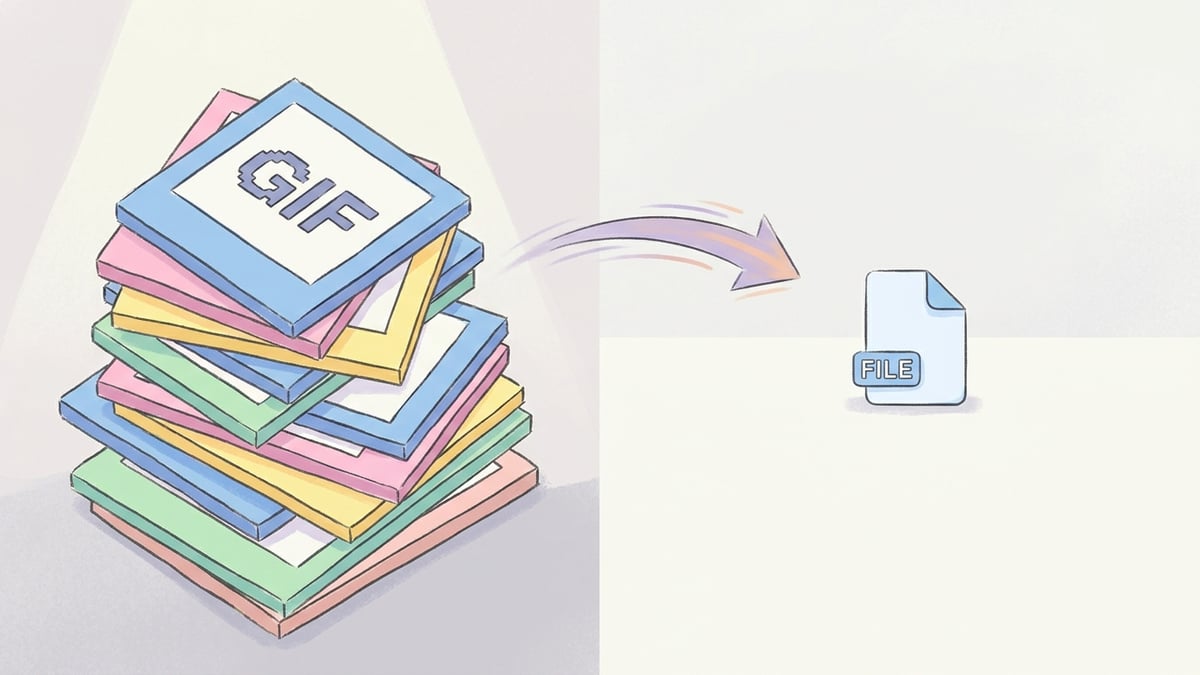
Compressing images one at a time is tedious and impractical when you have dozens or hundreds of files to process. Whether you are optimizing product photos for an e-commerce store, preparing images for a website migration, or reducing the size of a photo library, batch processing is the only efficient approach.
Choosing the Right Batch Tool
Browser-based tools like ToolPic offer the most convenient batch compression experience. You drag and drop your entire folder of images, set the quality level once, and the tool processes everything locally in your browser. There are no file count limits, no uploads to third-party servers, and no subscription fees.
Optimal Settings for Batch Compression
For photographs and complex images, JPEG or WebP at 78-82% quality provides the best balance between file size and visual quality. This range typically achieves 60-75% size reduction while keeping images visually indistinguishable from the originals at normal viewing sizes.
Step-by-Step Batch Compression with ToolPic
Open the Image Compressor tool on ToolPic. Click the upload area or drag and drop your entire selection of images. The tool accepts JPEG, PNG, WebP, and AVIF files in any combination.