5 Best MP4 to GIF Converters in 2026: Free Online Tools
March 24, 20265 min read
Why Convert MP4 to GIF in 2026
GIFs remain one of the most popular formats for sharing short, looping animations across social media, messaging apps, and websites. Despite the rise of short-form video platforms, GIFs offer unique advantages: they autoplay without sound, loop seamlessly, and are supported virtually everywhere. In 2026, the demand for quick MP4-to-GIF conversion has only grown as creators seek to repurpose video content into shareable, lightweight animations for memes, tutorials, product demos, and social media reactions.
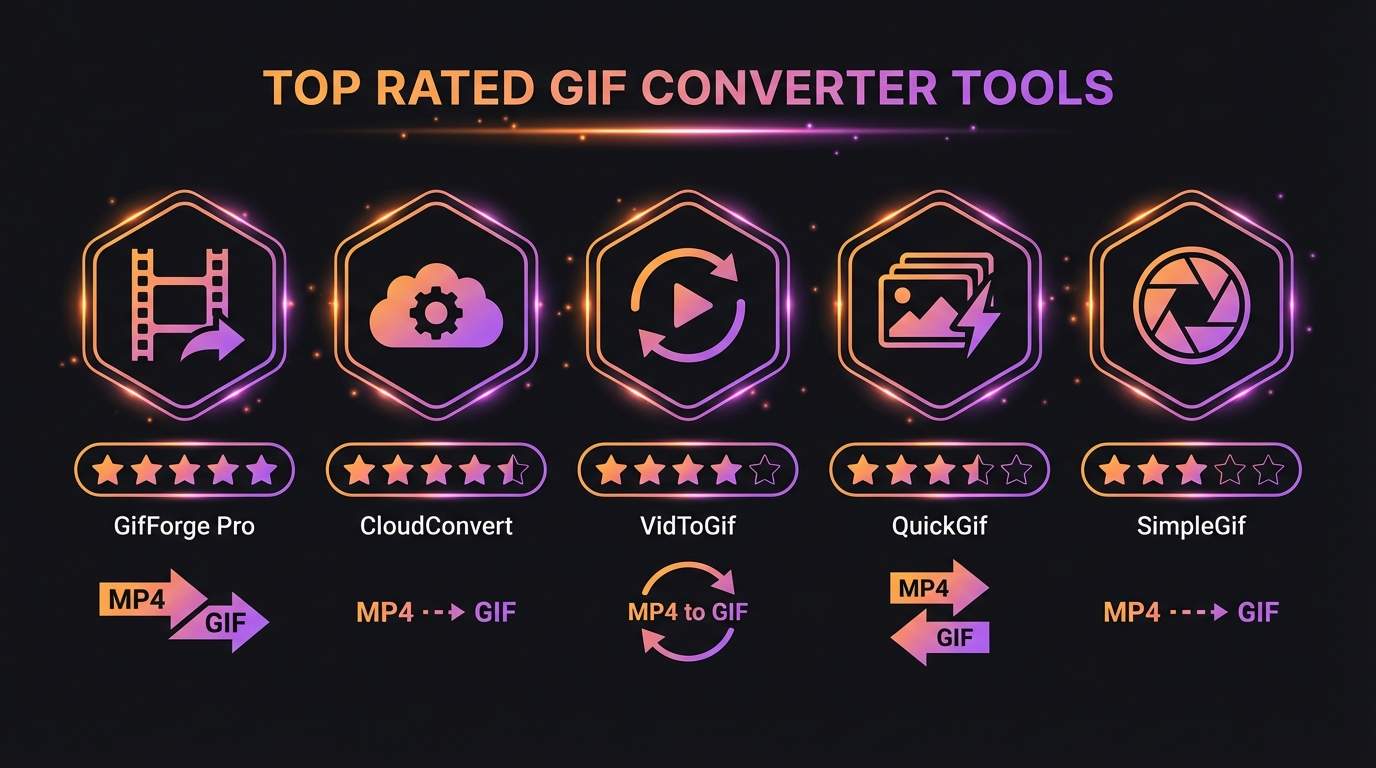
Top 5 Free MP4 to GIF Converters Compared
When choosing a converter, the most important factors are output quality, file size control, privacy, and ease of use. ToolPic stands out as the top pick because it processes everything in your browser with no file uploads, supports custom frame rates and resolution, and produces optimized GIFs under 5MB. Other popular options include Ezgif, which offers server-side processing with a 100MB upload limit, and CloudConvert, which supports batch conversions but requires an account for larger files. Giphy's GIF Maker is great for social sharing but adds branding. VEED.io offers a polished interface but limits free users to watermarked output.
Key Settings for High-Quality GIFs
The secret to a great GIF is balancing quality and file size. Start by trimming your video to only the essential frames since every extra second adds significant file size. Set the frame rate between 10 and 15 FPS for smooth animation without bloat; 10 FPS works well for most content while 15 FPS is better for fast-moving scenes. Keep the width under 480 pixels for sharing on messaging apps, or up to 640 pixels for web use. Use a limited color palette of 128 or 256 colors to reduce file size dramatically while maintaining visual clarity.
How to Convert MP4 to GIF with ToolPic
Open ToolPic's Video to GIF tool and drag your MP4 file into the upload area. Your video stays on your device and is never uploaded to any server. Use the timeline slider to select the exact clip you want to convert, then adjust the frame rate and output width to your needs. Click Convert and download your optimized GIF in seconds. ToolPic uses WebAssembly-powered FFmpeg for fast, high-quality conversion that rivals desktop software, all running entirely in your browser for maximum privacy and speed.