How to Reduce GIF File Size Without Killing the Quality
April 27, 20265 min read
Why GIFs Get So Big in the First Place
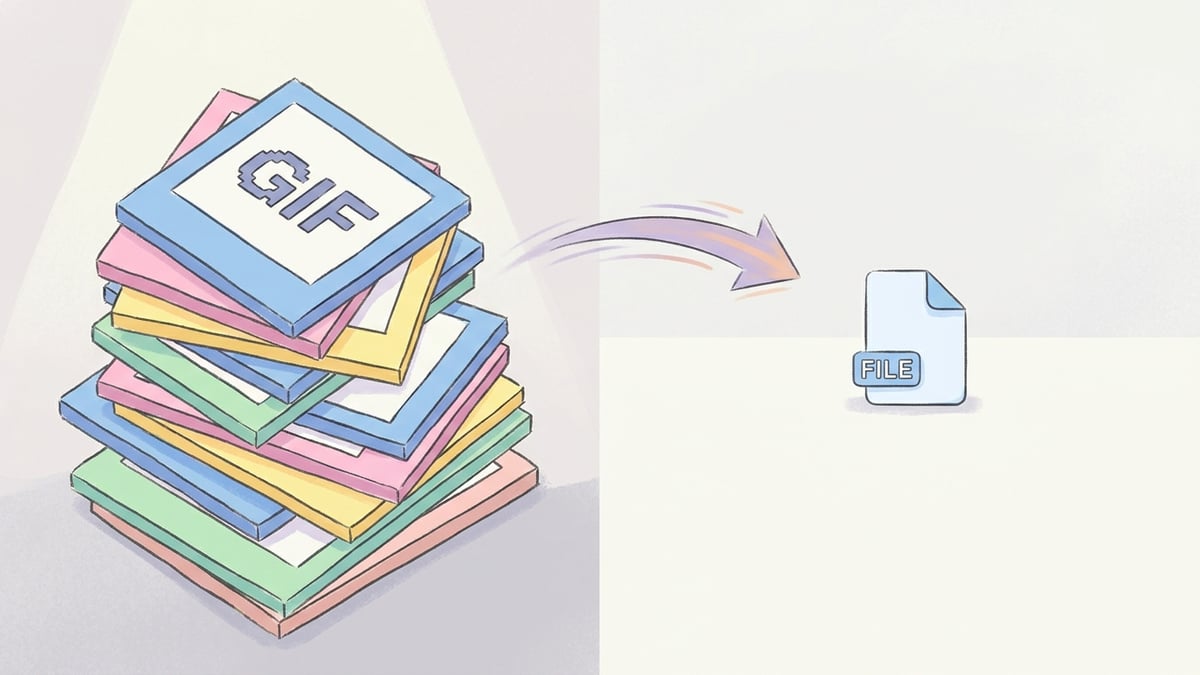
A GIF stores every frame as a separate image, with a 256-color palette per frame. That's why a 5-second clip can balloon to 10-15MB — you're basically saving 50+ photos in a row. Compare that to MP4, which only stores the differences between frames, and you can see why a video file with the same length and quality is often 90% smaller. The other size culprit is dimensions. A 1080p GIF is enormous; the same clip at 480p looks nearly identical at thumbnail size on a phone but takes up a fraction of the space. Frame rate matters too — GIFs commonly run at 24-30 fps when 12-15 fps would still look smooth for most content.
Three Ways to Cut a GIF Down to Size
Method one: trim the length. Most GIFs people share are way too long. Cut anything before the action and anything after the punchline. Going from 6 seconds to 3 cuts the file roughly in half. Method two: drop the frame rate. 12 or 15 fps is plenty for almost any GIF — the human eye doesn't notice the difference at small sizes, and you save 40-50% on file size. Method three: shrink the dimensions. A 480px-wide GIF is the social-media standard for a reason. Going from 1080 wide to 480 wide cuts the size by 75% or more. Combine all three and you'll routinely take a 12MB GIF down to 1-2MB without it looking obviously degraded.
When to Convert GIF to MP4 Instead
For anything over 2-3MB, the honest answer is: don't bother optimizing the GIF, just convert it to MP4. Twitter, Discord, and Slack all autoplay MP4s silently the same way they autoplay GIFs, except MP4 will be 5-10x smaller at the same visual quality. The only places you genuinely need GIF format are some older email clients, Reddit's GIF-only embeds, and image hosts that strip video. For everything else, MP4 wins on size, quality, and load time. If you're sharing a meme on Discord, an MP4 will load instantly where a 10MB GIF stutters for 5 seconds first.
Doing It in ToolPic Without Installing Anything
For shrinking the GIF as-is, ToolPic doesn't reinvent that wheel — but the Video Compressor handles MP4 versions of GIFs perfectly, and you can convert from GIF to MP4 on the fly with the Video Converter. Drop in your GIF, pick MP4 as the output, and download a file that's typically 80-90% smaller. If you specifically need a GIF (no choice), trim it first using a simple frame-trimming tool, then re-upload to a GIF-aware compressor. Everything in ToolPic runs in your browser, so even a 50MB source file never leaves your device. No upload wait, no privacy worries, no signup.