Best Free Online Photo Editors That Don't Require Sign-Up
March 24, 20265 min read
Why No-Signup Tools Matter for Privacy
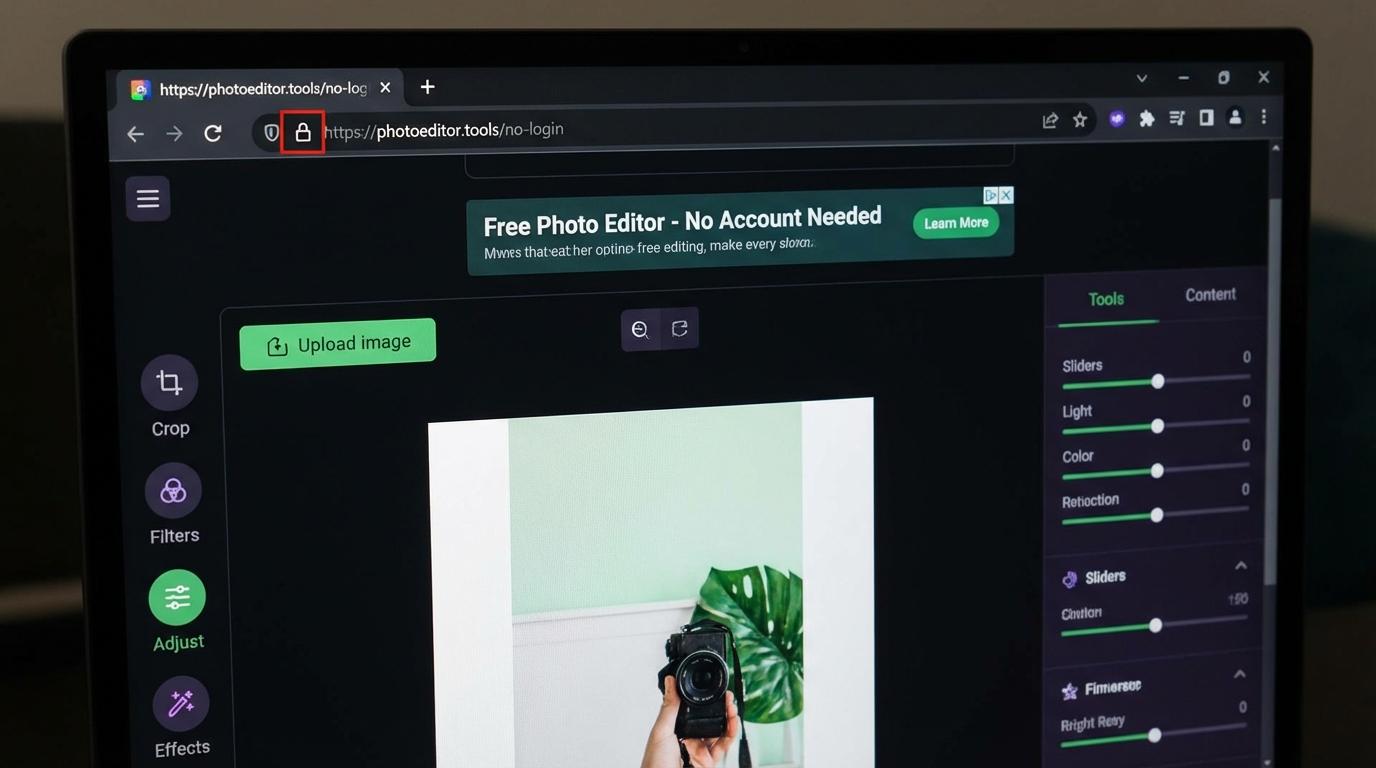
When you create an account on a photo editing platform, you typically share your email address, agree to terms that may allow your images to be stored or analyzed, and create a digital footprint tied to your editing activity. No-signup tools eliminate these privacy concerns entirely. You open the tool, edit your photo, download the result, and leave no trace. This is especially important for sensitive images like personal photos, business documents, or confidential design work that you would not want stored on a third-party server.
Top Free Photo Editors Without Registration
ToolPic leads the category with a comprehensive suite of image tools that require zero registration and process everything in your browser. You get image compression, format conversion, cropping, watermarking, background removal, and image merging without creating any account. Photopea offers a Photoshop-like interface with no signup but displays ads and processes files on their servers. Pixlr provides basic editing tools for free but pushes users toward paid plans. Remove.bg specializes in background removal but limits free output resolution.
Browser-Based vs Server-Based Processing
The most important distinction among free photo editors is where your images are processed. Browser-based tools like ToolPic use your device's processor and memory to handle all editing operations. Your files never leave your computer, making them the most private option. Server-based tools upload your images to remote servers for processing, which means your photos travel over the internet and may be temporarily or permanently stored. For maximum privacy, always choose tools that explicitly state they process files locally in the browser.
Getting Started with ToolPic's Photo Tools
ToolPic offers all the essential photo editing capabilities without any signup barrier. Need to resize or crop a photo? Open the Image Crop tool and select from preset aspect ratios or enter custom dimensions. Want to reduce file size? The Image Compressor handles batch compression with adjustable quality settings. Converting between formats is instant with the Image Converter, supporting JPG, PNG, WebP, AVIF, and more. Every tool works directly in your browser, processes files on your device, and requires absolutely no account creation or personal information.