How to Compress Images Without Losing Quality
March 15, 20265 min read
Why Image Compression Matters
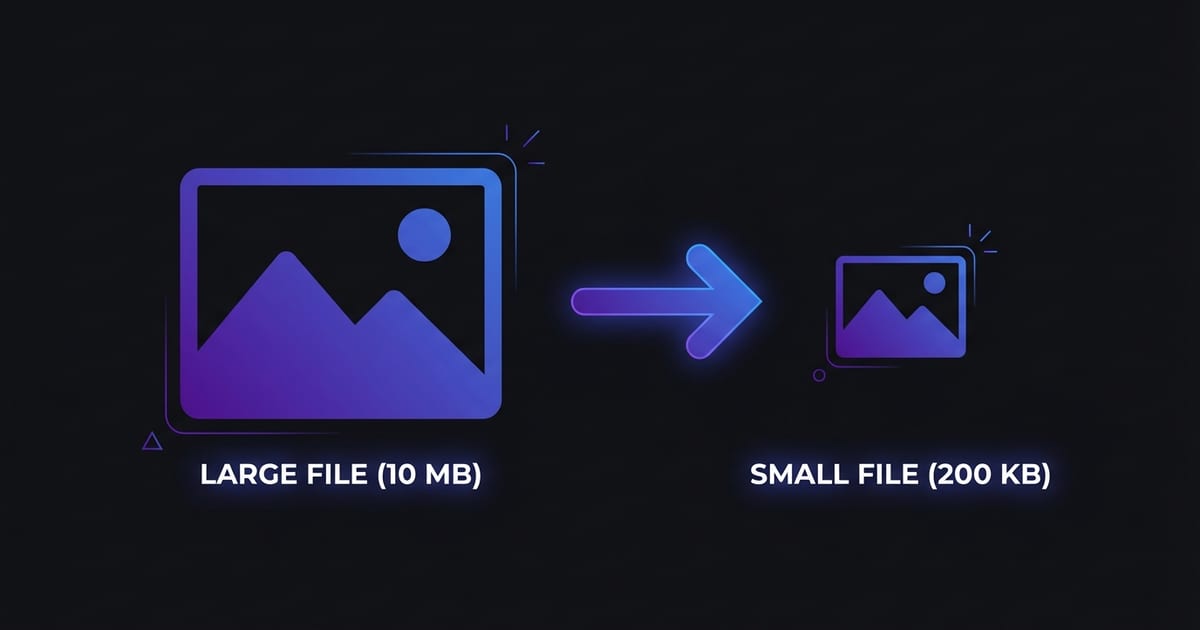
Large images are one of the biggest reasons websites load slowly. When a page takes more than three seconds to load, over half of visitors will leave before they even see your content. Search engines also factor page speed into their ranking algorithms, so heavy images can directly hurt your visibility in search results.
Lossy vs Lossless Compression
There are two fundamental approaches to image compression: lossy and lossless. Understanding the difference helps you choose the right method for each situation.
Best Practices for Image Compression
Start by choosing the right format for your content. Use JPEG or WebP for photographs and complex images with gradients. Use PNG for graphics with sharp edges, text overlays, or transparency.
How to Compress Images with ToolPic
Step 1: Open the Image Compressor tool on ToolPic. You can drag and drop your images directly onto the upload area, or click to browse your files. Multiple images can be processed at once.