How to Compress Video for WhatsApp: Size Limits and Best Settings
March 18, 20264 min read
WhatsApp Video Size Limits Explained
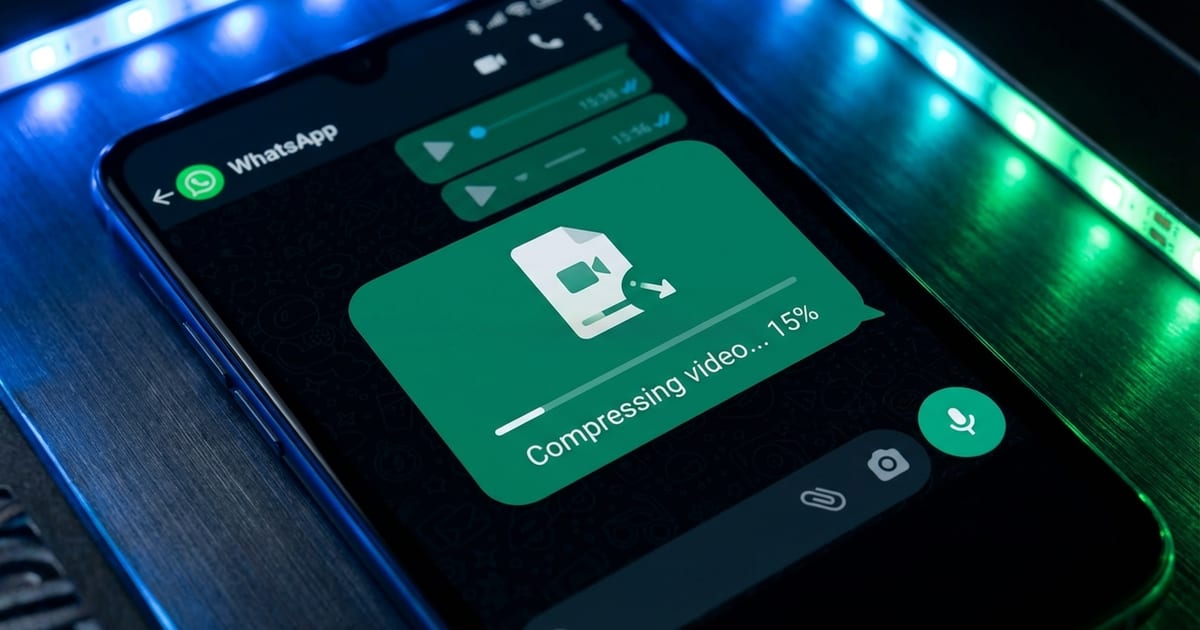
WhatsApp imposes a strict file size limit of 16MB for video sharing on most platforms, though this can vary slightly by region and device. This limit is surprisingly restrictive considering that a single minute of 1080p video from a modern smartphone typically weighs between 100MB and 200MB. Without compression, even a 10-second clip can exceed the limit.
Best Compression Settings for WhatsApp
For WhatsApp, the ideal resolution is 480p (854 x 480 pixels) or 720p (1280 x 720 pixels). Most people watch WhatsApp videos on their phone screens, where the difference between 720p and 1080p is barely noticeable. Dropping to 480p allows you to fit significantly more video duration within the 16MB limit.
Tips for Better WhatsApp Video Quality
Trim your video to include only the essential content before compressing. Removing unnecessary footage at the beginning and end reduces the file size and keeps the recipient focused on what matters. A shorter, sharper video at higher quality is always better than a longer, blurrier one.
Compressing Videos for WhatsApp with ToolPic
Open the Video Compressor tool on ToolPic and upload your video file. The tool accepts MP4, WebM, MOV, AVI, and other common video formats. Your video is processed entirely in your browser, so it is never uploaded to any server.