How to Convert HEIC to JPG: A Complete Guide
March 17, 20264 min read
What is HEIC Format?
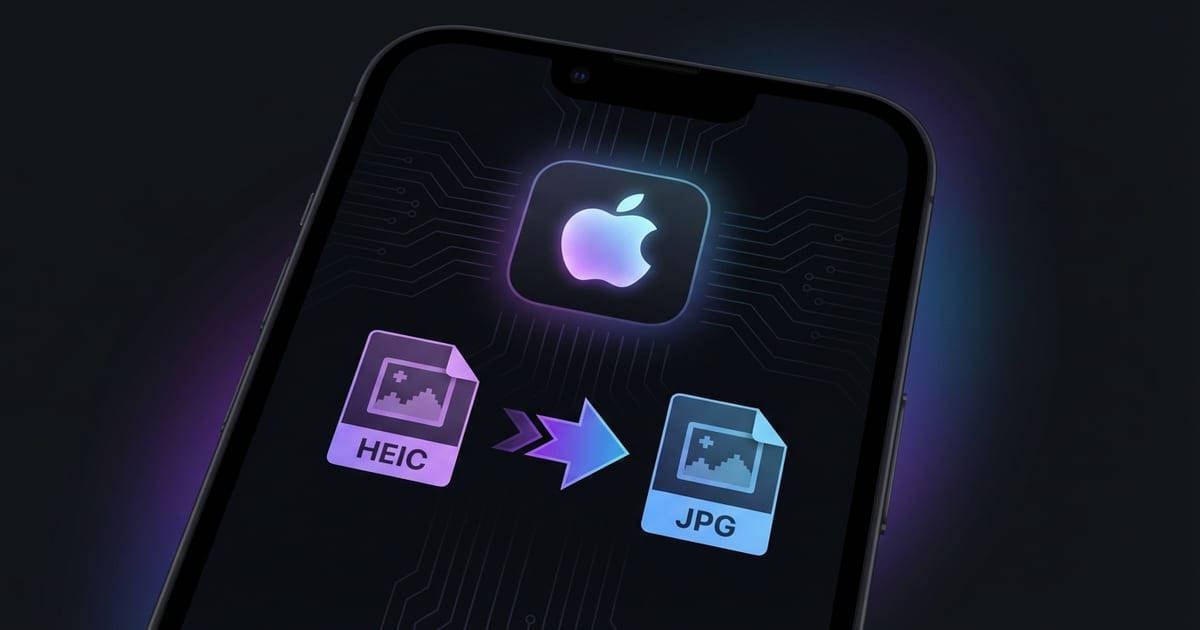
HEIC stands for High Efficiency Image Container, and it is the default photo format used by Apple devices since iOS 11 was released in 2017. When you take a photo on a modern iPhone or iPad, the camera saves it as a HEIC file rather than the traditional JPG format.
Why Convert HEIC to JPG?
Despite its technical advantages, HEIC has one major drawback: compatibility. Many applications, websites, and operating systems still do not fully support the format. When you try to upload a HEIC photo to certain websites, attach it to an email, or open it on a Windows computer, you may encounter errors or the file simply will not be recognized.
How to Convert HEIC to JPG Online
Converting HEIC to JPG with ToolPic is quick and straightforward. Open the Image Converter tool and drag your HEIC files into the upload area, or click to browse and select them from your device. You can upload multiple files at once for batch conversion.
Tips for Managing iPhone Photos
If you frequently need JPG files instead of HEIC, you can change your iPhone camera settings to shoot in JPG directly. Go to Settings, then Camera, then Formats, and select Most Compatible instead of High Efficiency. This tells your iPhone to save photos as JPG files from the start, eliminating the need for conversion later.