How to Create Instagram Carousel Posts That Drive Engagement
March 18, 20265 min read
Why Carousel Posts Outperform Single Images
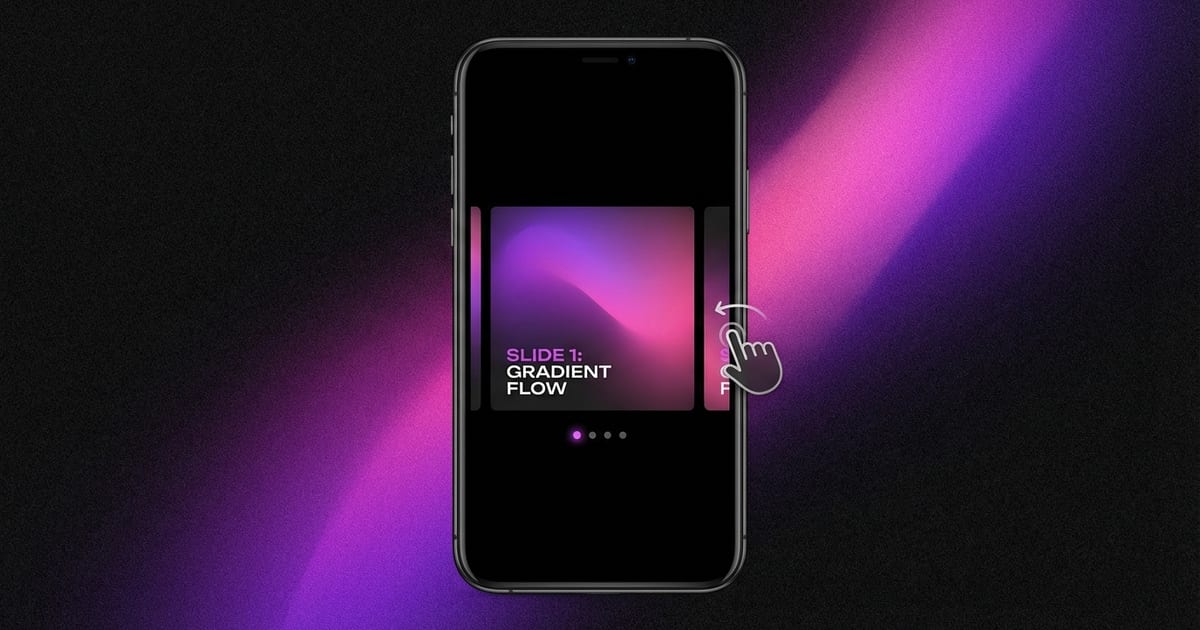
Instagram carousel posts consistently generate higher engagement than single-image posts. According to multiple studies, carousels receive up to 3 times more engagement than standard posts because they encourage users to swipe through multiple slides, increasing time spent on your content. The Instagram algorithm rewards this interaction by showing carousels to more people in the feed.
Planning Your Carousel Layout
Effective carousels start with a strong first slide that stops the scroll. This cover slide should include a compelling headline, an eye-catching image, or a bold statement that makes viewers want to swipe. Avoid putting all the important information on the first slide since the goal is to encourage swiping.
Optimal Dimensions and Image Quality
All images in a carousel must share the same aspect ratio, which is determined by the first image you upload. Instagram supports three aspect ratios: square at 1080 x 1080 pixels, portrait at 1080 x 1350 pixels, and landscape at 1080 x 566 pixels. The portrait format is recommended because it occupies the most vertical space in the feed.
Creating Carousels with ToolPic
Start by preparing your individual slide images. Use ToolPic's Image Crop tool to ensure every slide matches the exact dimensions you need. Select the 4:5 aspect ratio for portrait carousels or 1:1 for square carousels, and crop each image to a consistent size.