How to Create the Perfect GIF from Any Video: Pro Tips
March 24, 20265 min read
The Anatomy of a Perfect GIF
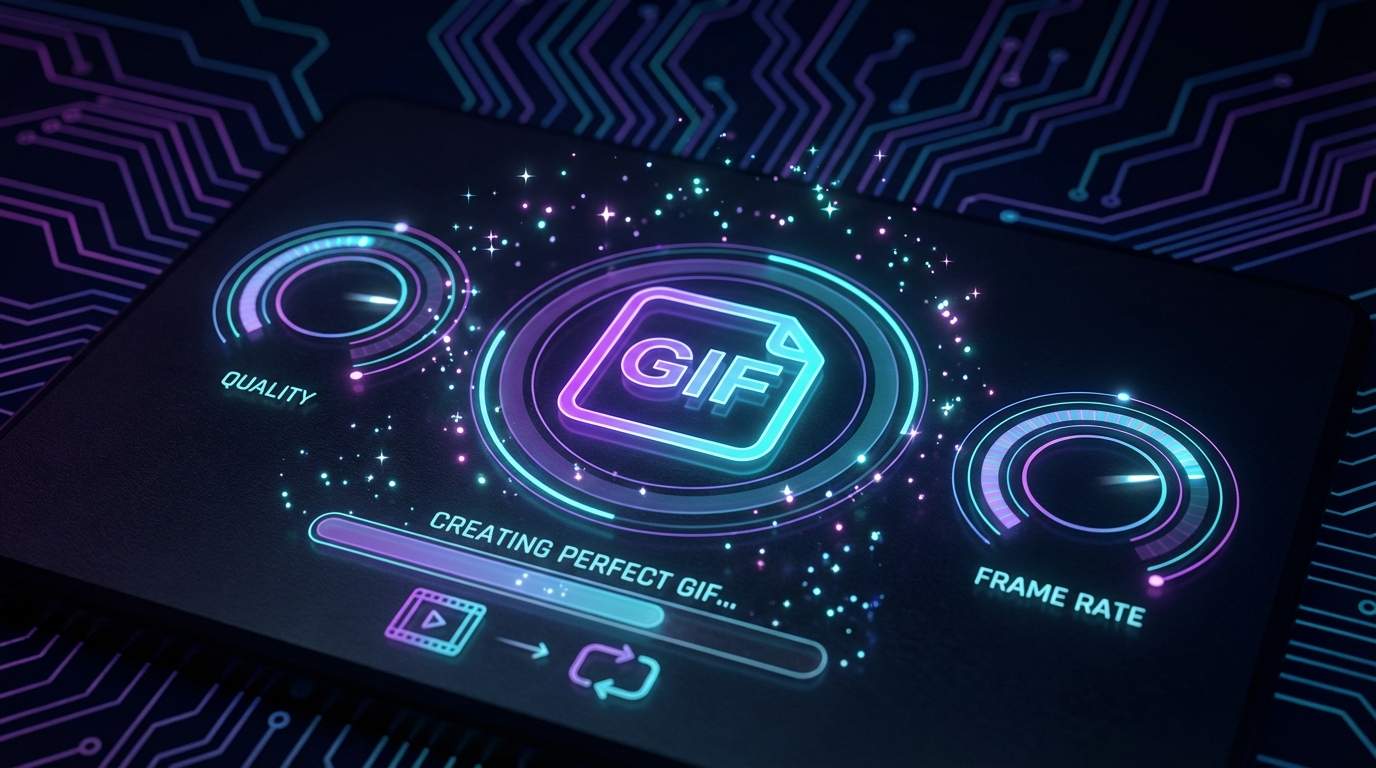
A perfect GIF captures exactly the right moment, loops smoothly, loads quickly, and looks crisp on any screen. The difference between an amateur GIF and a professional one comes down to a few key decisions made during the conversion process. Understanding how frame rate, resolution, duration, and color palette interact will help you create GIFs that look polished and share easily across any platform.
Choosing the Right Frame Rate and Duration
Frame rate is the single most important setting for GIF quality. Standard video runs at 24-30 FPS, but GIFs look great at just 10-15 FPS because the looping nature disguises slight choppiness. Dropping from 30 FPS to 12 FPS can reduce file size by 60 percent with minimal visual impact. Keep your GIF duration under 6 seconds for social media and under 3 seconds for messaging apps. Shorter GIFs loop more naturally and are more likely to be watched repeatedly, which increases engagement.
Optimizing File Size Without Sacrificing Quality
Large GIFs load slowly and may not play on some platforms. Twitter limits GIFs to 15MB, Discord to 8MB for free users, and most messaging apps prefer GIFs under 5MB. Start by reducing the output resolution: 320 pixels wide is sufficient for most chat applications, while 480 pixels works well for web content. Limiting the color palette to 128 colors instead of 256 can cut file size by 20-30 percent. If your GIF still exceeds the target size, consider using lossy compression or reducing the frame rate by one or two FPS.
Creating Your GIF with ToolPic
ToolPic's Video to GIF converter gives you full control over every aspect of the conversion process. Upload any video file and use the visual timeline to select the perfect clip. Adjust frame rate, output width, and quality settings to match your target platform. The tool processes everything locally using WebAssembly, so there are no upload delays and no privacy concerns. For advanced users, try creating multiple versions at different settings to find the ideal balance between quality and file size for your specific use case.