How to Merge Photos into a Collage: Step-by-Step Guide
March 24, 20264 min read
Choosing the Right Collage Layout
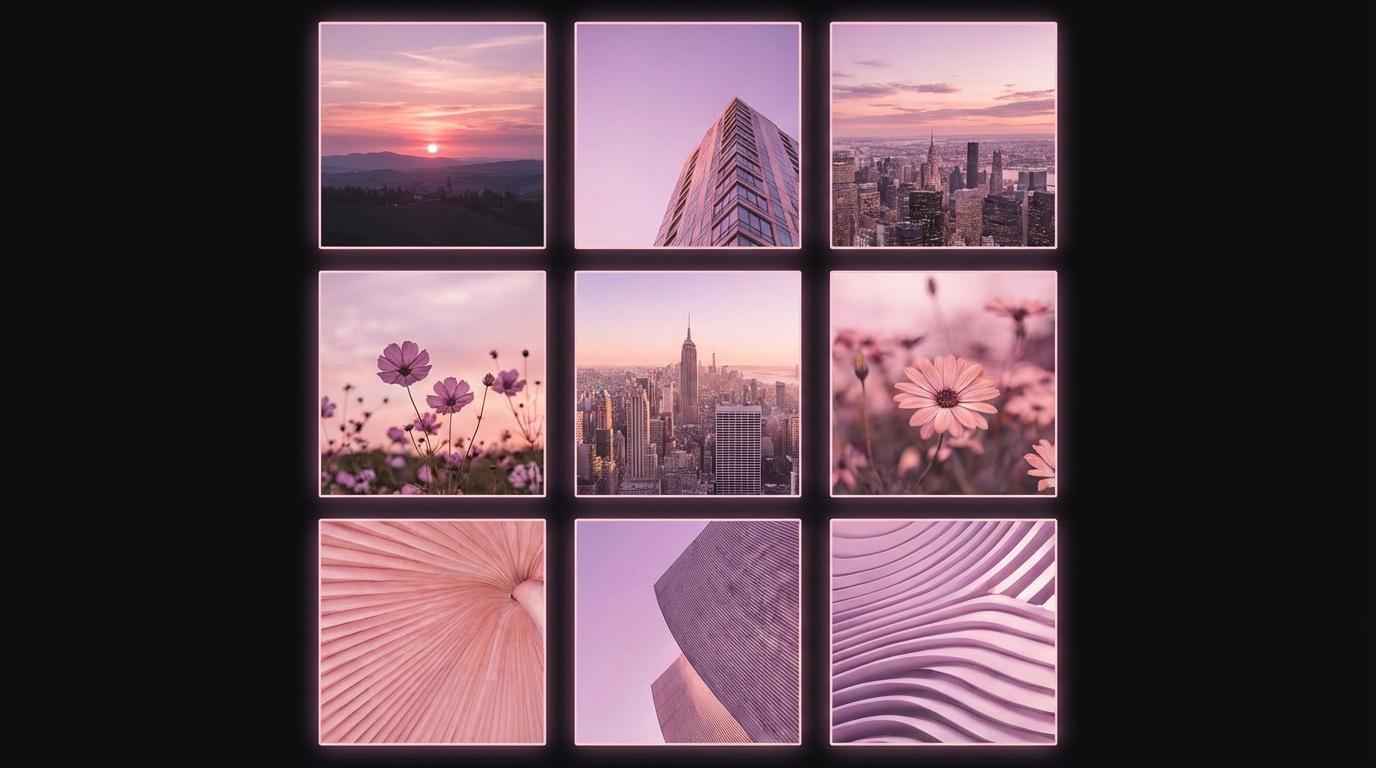
The layout you choose sets the tone for your entire collage. Grid layouts with equal-sized cells work best for product showcases, before-and-after comparisons, and photo series where each image deserves equal attention. Asymmetric layouts with one large feature image and several smaller supporting images are ideal for telling a story or highlighting a hero shot. For social media, consider the platform's preferred aspect ratios: square for Instagram posts, 9:16 vertical for Stories, and 16:9 horizontal for YouTube thumbnails and Twitter posts.
Spacing, Borders, and Background Colors
The space between photos in a collage dramatically affects its visual impact. No spacing creates a seamless, magazine-style look where images flow together. A thin 2-4 pixel border provides clean separation without drawing attention. Wider gaps of 10-20 pixels create a framed gallery feel. For background color, white or light gray works best for professional and clean aesthetics, while dark backgrounds like black or deep gray make vibrant photos pop. Match the background color to your brand or the mood you want to convey.
Optimizing Collages for Social Media
Each social media platform has optimal image dimensions that affect how your collage displays. For Instagram feed posts, create square collages at 1080 x 1080 pixels. Instagram Stories and Reels use 1080 x 1920 pixels. Facebook posts perform well at 1200 x 630 pixels. Pinterest favors tall images at 1000 x 1500 pixels. Always export your collage at the highest quality supported by the platform, typically JPEG at 95 percent quality, and keep the file size reasonable to ensure fast upload and display.
Creating Collages with ToolPic
ToolPic's Image Merge tool makes collage creation simple and private. Upload the photos you want to combine, then choose between horizontal, vertical, or grid layouts. Adjust the spacing between images and select a background color that complements your photos. The tool automatically aligns and sizes your images for a polished result. Everything is processed in your browser, so your photos never leave your device. Download the finished collage in high resolution, ready to share on any social media platform or print.