How to Optimize Images for Website Speed: A Complete Guide
March 16, 20266 min read
Why Image Optimization Matters for SEO
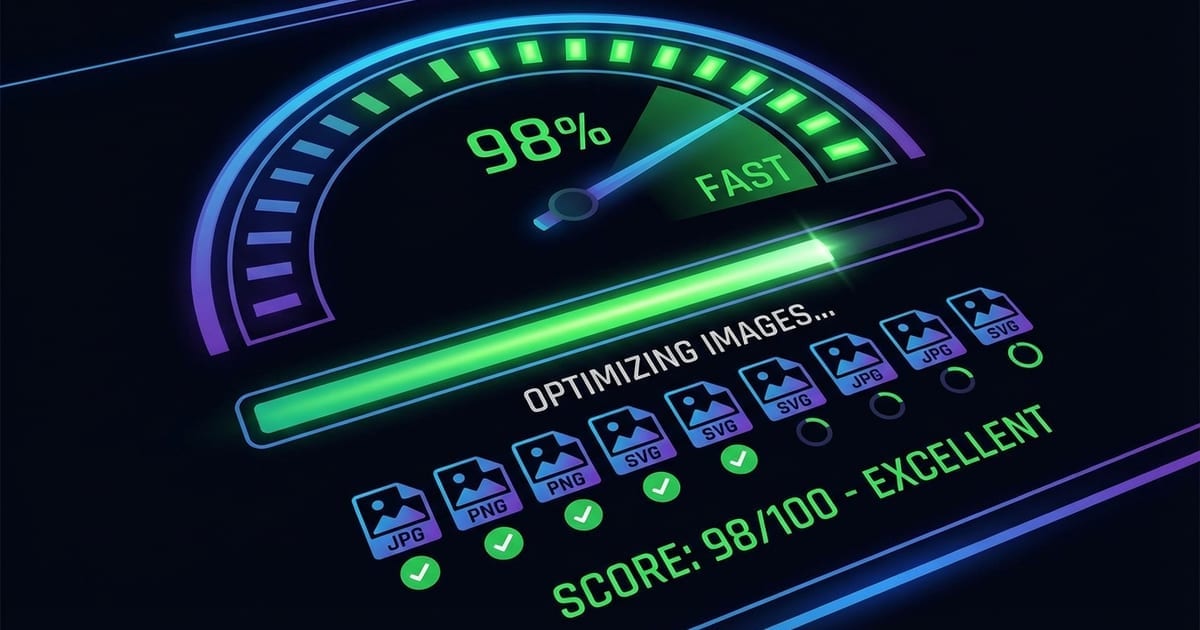
Images typically account for 50-70% of a web page's total weight. When images are not optimized, they become the single biggest bottleneck for page loading speed. Google has made page speed a direct ranking factor, and Core Web Vitals metrics like Largest Contentful Paint (LCP) are heavily influenced by how quickly your images load.
Choosing the Right Image Format
Selecting the correct format for each image is the foundation of image optimization. JPG is ideal for photographs and complex images with many colors and gradients. It uses lossy compression that can reduce file sizes dramatically while maintaining acceptable visual quality for photographic content.
Compression Techniques That Work
Lossy compression removes image data that the human eye is unlikely to notice. For JPG and WebP, a quality setting between 75% and 85% typically provides the best balance between file size and visual quality. Most viewers cannot distinguish between an 85% quality image and the original when viewed at normal screen sizes.
Implementation Checklist
Start by converting your images to WebP format using ToolPic's Image Converter. Keep the original files as fallbacks for older browsers. Use the HTML picture element to serve WebP to supporting browsers and JPG or PNG to the rest.