JPG vs PNG vs WebP: Which Image Format Should You Use?
March 14, 20266 min read
Understanding Image Formats
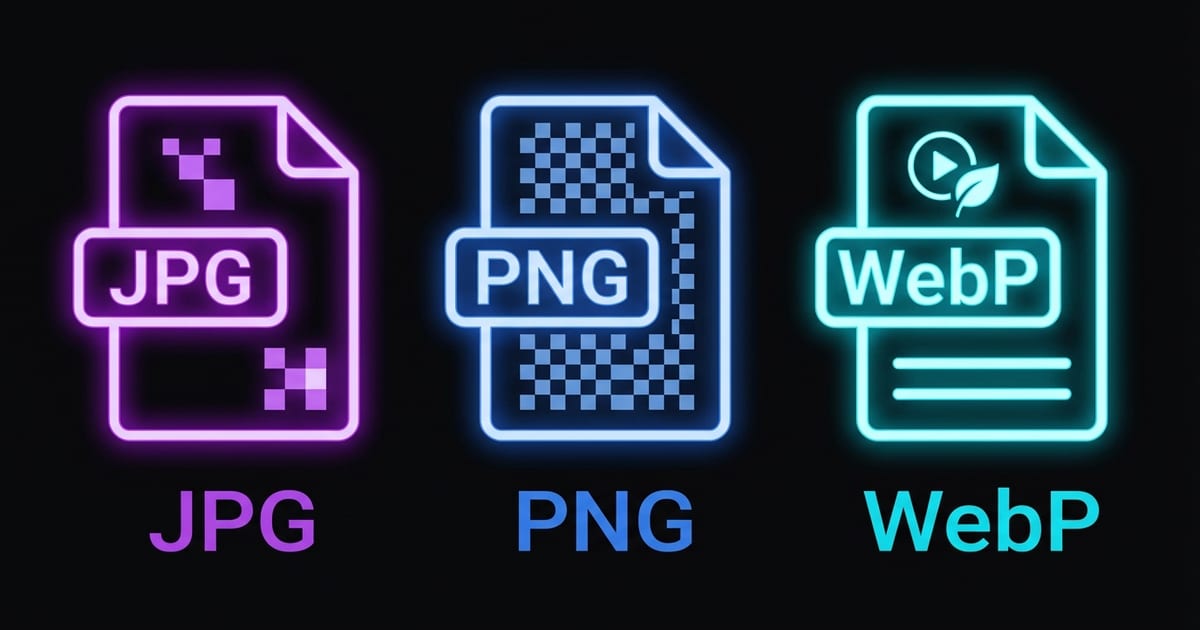
Choosing the right image format can make a significant difference in file size, loading speed, and visual quality. Each format was designed for different use cases, and using the wrong one often means unnecessarily large files or degraded image quality.
JPEG: The Photography Standard
JPEG uses lossy compression that excels at representing photographs and images with smooth color transitions. It can reduce photo file sizes by 80% or more while maintaining excellent visual quality at moderate compression levels.
PNG: Lossless Quality and Transparency
PNG uses lossless compression, meaning the image quality is perfectly preserved regardless of how many times you save it. It also supports full alpha transparency, allowing pixels to be partially or fully transparent.
WebP: The Modern Choice
WebP was developed by Google to provide superior compression for web images. It supports both lossy and lossless compression, as well as transparency and animation, effectively combining the best features of JPEG, PNG, and GIF into a single format.